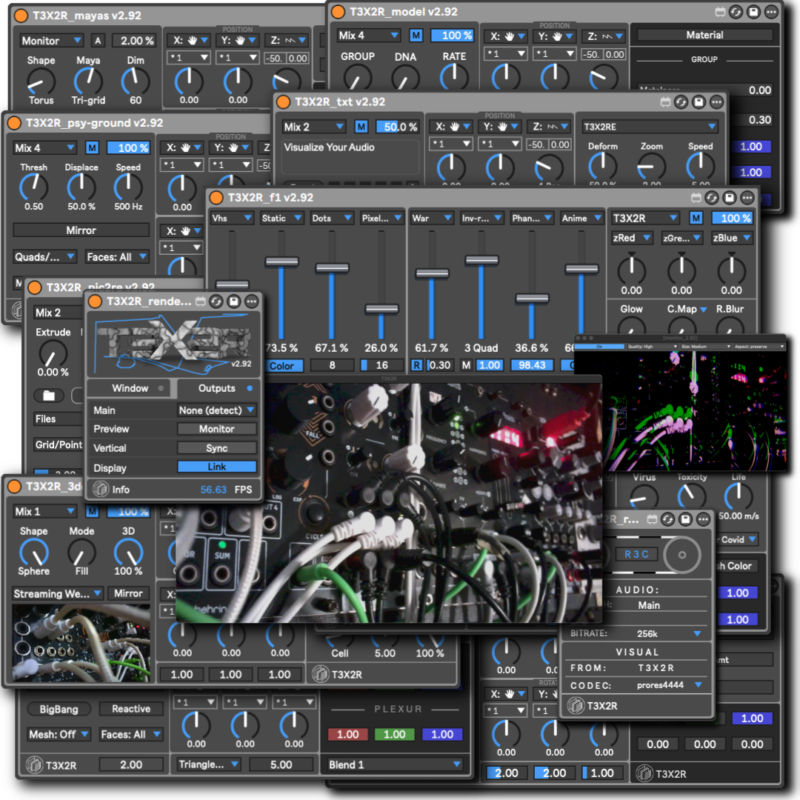
F1

Price range: 14.99 $ through 24.98 $

MASTER EFFECTS

SKU: N/A Categories: , , Tags: , , ,

Description

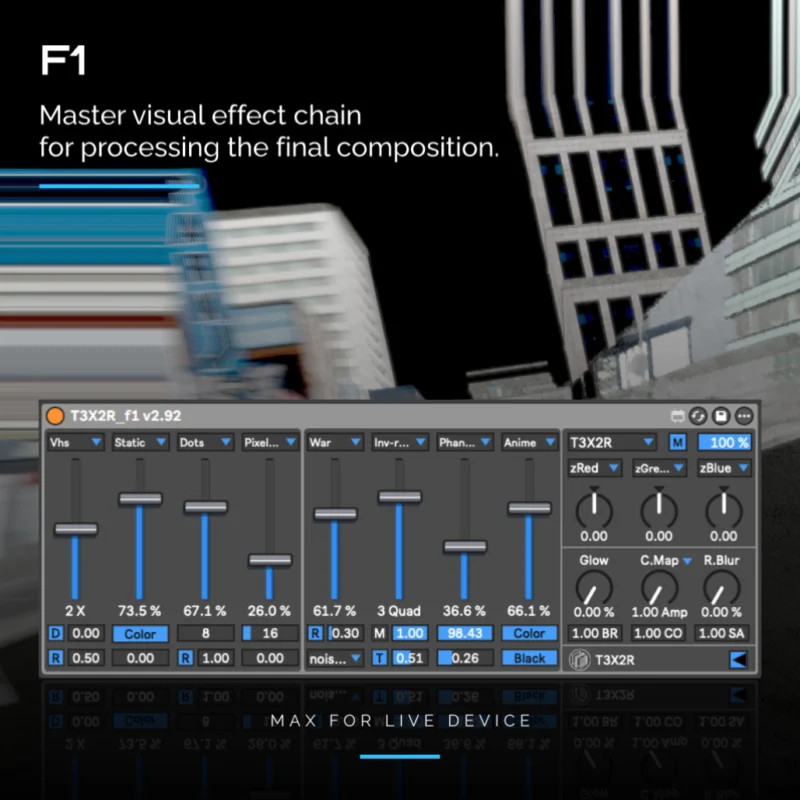
First effect of the T3X2R series.ย 
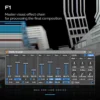
Master effect applied to final visual rendering.
Effects work on 3 blocks in series. The 1st block is the final chain with for general purpose purposes. In block 2 and 3 the effects are in series from left to right.

View more: example

First and second block contains 8 switch effects in series. Each switch can alter 24 different effects.

  • BLUR: basic Gaussian blur.
  • STATIC: noise feedback to color or monochromatic.
  • PINCH:ย  radial kaleidoscope.
  • BLOW:ย  drag the selected pixels border into the frame.
  • ECHO:ย  zoom feedback.
  • GLTCH:ย  cumulative random noise.
  • KALED:ย  mirrored kaleidoscope.
  • TWIRL:ย  twist with frequency and direction.
  • DISPLACE:ย  X or Y offset of the alpha channel.
  • RIPPLES:ย  synced or manual ripples with frequency.
  • WAR:ย  scrolling with graphic functions.
  • STROBE:ย  on alpha channel, synced or manual with colorizer.
  • ECLIPSE:ย  circular mask with angle modifier.
  • SLIT SCAN: offsets the pixel border in the selected direction.
  • HRGB: RGB displacement on Fx switchers.
  • VRGB: RGB displacement on Fx switchers.
  • INV-RECT: Color inverting rectangle, random and synchronized.
  • ANIME:ย color and inverted edge.
  • LINES: mask of lines
  • VHS: video tape fx.
  • SOLID: mix a color.
  • PIXELART: pixelation threshold.
  • DOTS: mask of dots.
  • MATRIX: mask of quads.
  • Delay RGB
  • MGltch: smooth freezer.
  • Phantom: frozen feedback.

The seconf block: general purpose effects.

  • RGB: x, y and z displacement.
  • Glow:ย  simple feedback.
  • Color Map.
  • Radial Blur:
  • Brigthness – Contrast – Saturation.ย 

New Effects:

  • Glow: Adds a soft bloom around bright areas using feedback.

  • Color Map: Remaps image colors using a predefined gradient.

  • Radial Blur: Blurs pixels outward from a center point, creating radial motion.

New features:

  • Save and reload the full effect state for consistent session recall.
  • Expanded effect chain with 8 effect selectors, adding 2 new selector slots to the previous 6-stage architecture.
  • New FX: Radial Blur โ€” blurs the image outward from a central point, creating depth, motion, and optical focus.
  • New Color Map and Radial Blur processors added to the final stage of the chain.
  • Alpha Mode now includes automatic and manual control, driven either by channel gain or direct user input.
  • Phantom and M.Glitch are now integrated inside the effect selector system.
  • Twist now includes Reactive and Automatic modes, with Threshold and Speed controls respectively. Amount range expanded to -100 / +100.
  • Strobe now includes a Hue-based color identifier parameter for clearer chromatic control.
  • War now includes Reactive and Automatic modes, with Threshold and Speed controls respectively.
  • GLTCH now features a new algorithm with Reactive and Automatic modulation modes.
  • Ripples now includes Tempo and Reactive modes, controlled by Speed and Threshold respectively.
  • Eclipse now supports additional circles and new Rotation modes: Manual and Synced.
  • SlitScan now includes a Scan Velocity parameter for finer temporal distortion control.
  • Pixelation now renders sharper, more defined edges.
  • Matrix now renders sharper, more defined edges with inverted response behavior.
  • Static now includes deeper grayscale control.
  • Z-RGB now preserves the original texture at 100% effect mix.
  • Inv-Rect now supports up to 4 rectangles with edge definition.
  • Inv-Zoom now supports up to 4 quads with edge definition and 25% zoom intensity.

ย 

Old features:

  • Added effects:
  • Zoom RGB โ€“ Spatial zoom with individual RGB channel displacement.
  • Delay RGB โ€“ Temporal offset per color channel, creating echo-like trails.
  • Zoom Inverted Rect โ€“ Inverted rectangular zoom effect with modular control.
  • Lines, VHS, Solid, Pixelart, Dots ans Matrix.
  • More modulation in parameters, compatible with live 12.
  • More intuitive user interface.
  • Compatible with expandable tools and pack.
  • New effects:ย  brightness, contrast, saturation, glow and mgltch.
  • New Param bank: RGBDisplace and master with Brightness, contrast and saturation.
  • Works on GLCore.
  • Compatible with expandable tools and pack.

Minimum requirements:

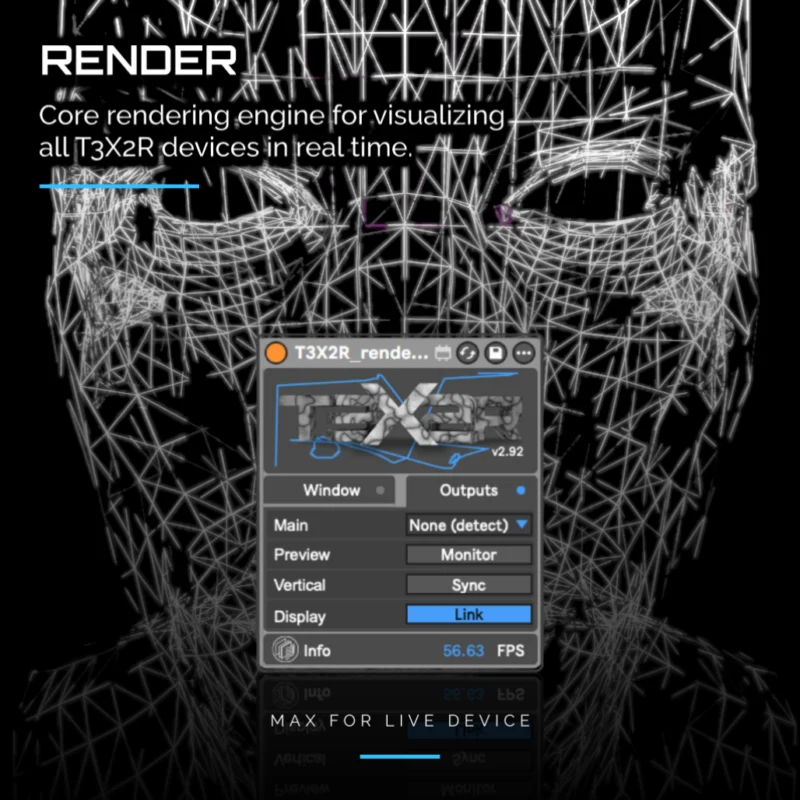
  • IMPORTANT this device requires the Render module to work.

Live Compatibility

  • Max for Live is required.
  • Live Suite includes it by default.
  • Live Standard requires separate purchase of Max for Live.
  • Live Intro and Lite are not officially compatible.

Minimum versions required:

  • Tested with Ableton Live 10, 11, and 12.
  • Live 10 and 11: Max 8.6.5.
  • Live 12: Max 9.0.5 or later.
What you get:
  • Max For Live – Effect generator device.
  • Endless combinations.
Download info:
  • This is a Max for Live module, not standalone software. You will need Ableton Live and Max 8 to run T3X2R.
  • To visualize this generator you’ll need Render module.
  • Only if it experiments complications which come from T3X2R and modules, a demand can be put on repair free.
  • All our devices was tested and work on system OSX (Intel / ARM) and WIN (may require reinstalling FFMPEG).
Resolved Issues:

GUI: inactive dial colors are now visible when mapped.

GUI: fixed parameter overlap when loading F1 for the first time.

v2.9

  • Resolved RGB display clipping on high-intensity values.
  • Improved visibility of black strobe in Strobe FX mode.
  • Push Parameters: Bank FXs_1-2 FX3 (Strobe) now correctly switches.

v2.8

  • Error in Push bank fxs 3-4.

v2.7

  • RGB_displacement: Right orientation (left to left). It is not disabled when a color is set to zero.

Additional information

F1

Only, + Render

You may also like…